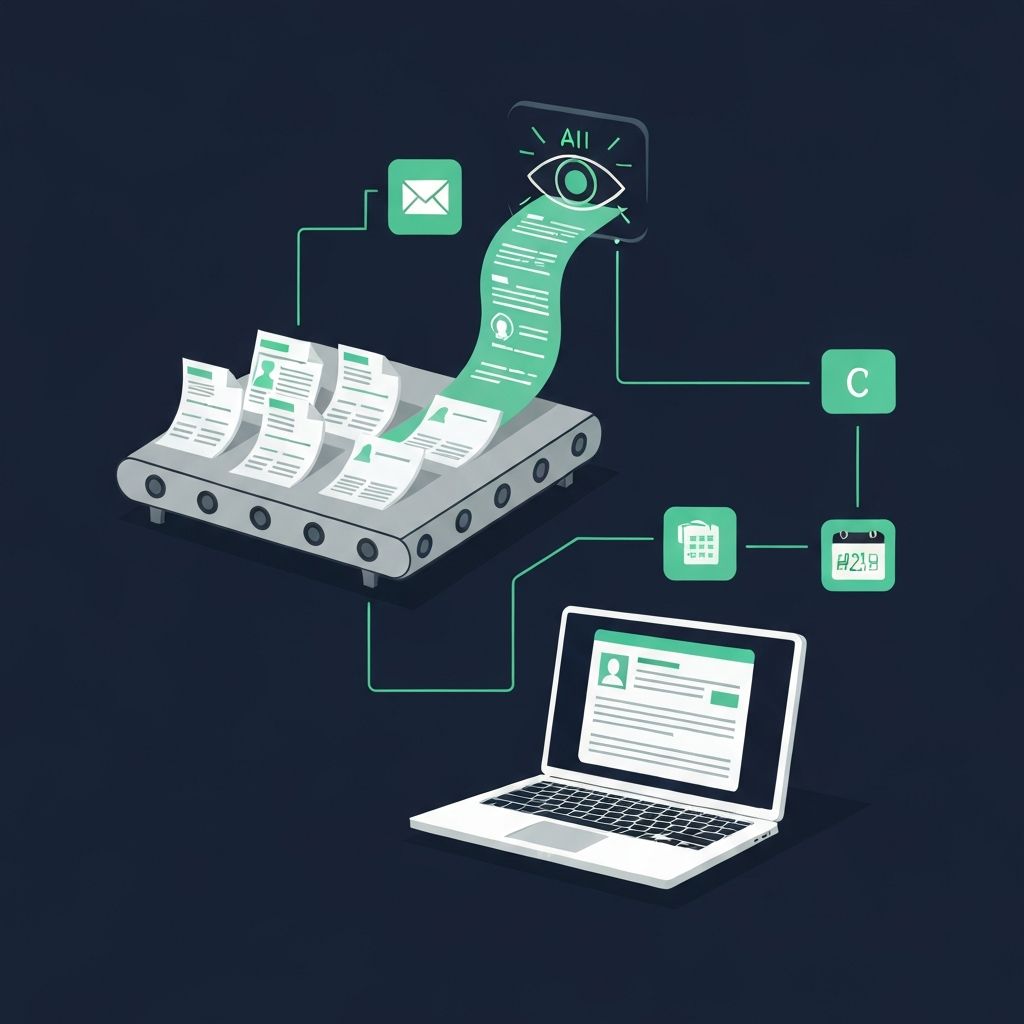
Every loan officer knows the feeling: you close a great loan, celebrate for 30 seconds, then open your inbox to find 47 unread emails, a stack of documents to review, three missed calls, and a realtor partner asking for a status update you meant to send yesterday.
The uncomfortable truth is that the average loan officer spends 60-70% of their day on tasks that do not directly generate revenue: re-keying data from documents, writing follow-up emails, answering the same borrower questions, and summarizing calls. That is 25-30 hours per week on work that AI can now handle in minutes.
This is not about replacing what you do. It is about eliminating the repetitive work that keeps you from doing what only you can do: building relationships, advising borrowers, and closing loans.
The Real Cost of Manual Workflows
When you add it up, a loan officer processing 6 loans per month spends roughly 100+ hours per month on repetitive tasks that AI can automate. That is not a productivity tweak -- it is a fundamental shift in how you spend your working life.
5 Workflow Automations That Reclaim Your Day
Each of these automations targets a specific time drain in your daily workflow. Start with one, prove the ROI, then stack the others.
Pre-Approval Follow-Up Messages
You issue 15 pre-approvals a week. Each one needs a personalized follow-up within 24 hours, then a check-in at 7 days, 14 days, and 30 days. That is 60+ messages per week just for pre-approvals -- and most LOs forget by day 7.
AI drafts every follow-up based on the borrower's loan scenario, property type, and timeline, then your CRM or automation tool sends them on schedule. Each message references the borrower's specific situation, not a generic template.
Recommended Tools
How It Works
Pre-approval issued in your LOS triggers the automation
AI pulls borrower details (loan amount, property type, rate, timeline)
Copilot or Gemini drafts a personalized congratulations email with next steps
Follow-up sequence auto-schedules at Day 3, 7, 14, and 30
Each message references the borrower's specific scenario and evolves based on engagement
Non-responders get flagged to your daily task list for a phone call
Marcus pre-approves the Garcias for a $385,000 FHA loan on Tuesday. Within 60 seconds, Copilot drafts a congratulations email referencing their specific loan terms, neighborhood targets, and his direct contact info. Three days later, a second email lands: "Hi Maria, have you and Carlos started touring homes yet? Here's what your monthly payment looks like at today's rates..." On Day 14, a market update with new listings in their price range. Marcus never typed a word -- but the Garcias feel like he is personally guiding them every step.
Marcus converts 40% more pre-approvals to closed loans because no borrower goes more than a week without hearing from him.
AI-Powered FAQ Chatbot for Borrowers
The same 20 questions consume hours of your day: "What documents do I need?" "Can I qualify with student loans?" "What's the difference between FHA and conventional?" Every minute spent answering a question you have answered 500 times is a minute you are not prospecting.
Deploy an AI chatbot on your website, Facebook page, or via text that handles the top 50 borrower FAQs instantly, 24/7. It answers accurately using your content, captures the lead, and escalates complex questions directly to you.
Recommended Tools
How It Works
Train the chatbot on your FAQ library, compliance-approved answers, and rate sheets
Embed it on your website, landing pages, and social profiles
Borrower asks a question at 11pm on a Saturday -- chatbot responds immediately
Complex or scenario-specific questions get escalated to you with full context
Every interaction captures contact info and question history into your CRM
AI learns from each conversation and improves answers over time
Lisa embeds a custom chatbot on her website trained on 60+ FAQs. On a Sunday evening, a first-time buyer named Daniel asks, "Can I use gift funds for my down payment on a conventional loan?" The bot responds instantly with the correct answer, asks about his timeline and budget, and captures his email. Monday morning, Lisa sees a warm lead in her CRM with full context. She calls Daniel and he says, "I was so impressed that I got an answer at 10pm on a Sunday. The other LO I called hasn't responded in two days."
Lisa captures 3-5 new leads per week from after-hours chatbot conversations that would have bounced to a competitor.
AI-Powered Document Extraction (OCR)
Manually reading pay stubs, W-2s, bank statements, and IDs, then re-keying that data into your LOS, is the single biggest time drain in loan processing. A single file with 3 months of bank statements can take 20 minutes to key in -- and one typo can cause a condition or delay.
AI-powered OCR tools scan borrower documents, extract the relevant data fields (income, assets, employer info, ID details), validate them for accuracy, and push the data directly into your LOS or a structured spreadsheet. What took 20 minutes now takes 30 seconds.
Recommended Tools
How It Works
Borrower uploads documents via your portal or email
OCR engine scans every page and identifies document type automatically
AI extracts data fields: income amounts, employer name, account balances, ID numbers
Validation layer cross-references extracted data for inconsistencies or fraud signals
Clean data is formatted and pushed into your LOS fields automatically
Exceptions are flagged for your manual review with the specific issue highlighted
David processes 8 loans per month and was spending 2+ hours per file just on document intake. After implementing Ocrolus, his borrowers upload docs to a portal. Within minutes, the AI has extracted income from pay stubs, verified employment from W-2s, calculated asset totals from bank statements, and flagged one statement where a large deposit needs a letter of explanation. David reviews the extracted data in 5 minutes instead of 45, clicks "push to LOS," and moves on to his next borrower call.
David reclaims 16+ hours per month previously spent on data entry -- equivalent to 2 full working days he now spends on revenue-generating activities.
Client Communication Summarization
After a 30-minute phone call with a borrower, you need to document what was discussed, what was agreed to, and what the next steps are. After a 50-email thread with an underwriter, you need to extract the actual conditions and action items. This documentation work is invisible but critical -- and it eats hours.
AI reads your emails, call transcripts, or meeting notes and produces structured summaries with action items, key decisions, and follow-up dates. You get a clean record without writing a single note.
Recommended Tools
How It Works
Record your borrower call (with consent) or forward the email thread
AI transcribes and analyzes the full conversation
Produces a structured summary: key topics, decisions, borrower concerns, action items
Action items auto-create tasks in your CRM or calendar
Summary is saved to the borrower's file for compliance and reference
Follow-up reminders are scheduled based on extracted commitments
Rachel has a 25-minute call with the Johnsons about their refinance options. Otter.ai transcribes the call and Copilot generates a summary: "Discussed cash-out refi vs. rate-and-term. Johnsons prefer keeping payment under $2,400. Need to send comparison of 15-yr vs 30-yr options by Thursday. They will send updated bank statement by Friday. Appraisal scheduling needed once they confirm." Rachel pastes the summary into her CRM, and three calendar tasks are auto-created. No manual note-taking required.
Rachel saves 30+ minutes per borrower interaction on documentation and never misses a follow-up commitment.
Automated Email Drafting and Response
You receive 80+ emails per day. Half require a substantive response: status updates, document requests, rate lock confirmations, realtor inquiries. Writing thoughtful, accurate responses for each one is a full-time job on top of your actual job.
AI reads incoming emails, understands the context, and drafts responses that you review and send with one click. It pulls data from your LOS for status updates, references the correct guidelines for compliance questions, and matches your communication style.
Recommended Tools
How It Works
AI integrates with your email client (Outlook or Gmail)
Incoming email arrives requesting a loan status update
AI reads the email, identifies the borrower and loan number
Pulls current status from your LOS (if integrated) or suggests a response template
Drafts a personalized response with accurate information and your tone
You review, make any edits, and send -- total time: 30 seconds vs. 5 minutes
Kevin's top realtor partner sends an email at 3pm: "Hey Kevin, what's the status on the Miller loan? Appraisal come in yet?" Copilot reads the email, identifies the Miller file, and drafts: "Hi Sarah, great news -- the Miller appraisal came in at $425K, which is $10K above contract price. We're clear to close on the 28th as planned. I'll send final numbers tomorrow. Let me know if the Millers have any questions!" Kevin reads it, hits send. Total time: 15 seconds.
Kevin responds to 80% of emails within 5 minutes instead of 2 hours, and his realtor partners consistently rank him as the most responsive LO they work with.
Tool Comparison: Which AI Fits Your Workflow?
Not every tool does everything. Here is a breakdown to help you pick the right stack based on your biggest pain points and existing software.
Microsoft Copilot
Email drafting, document summarization, Excel analysis
Outlook, Word, Excel, Teams, PowerPoint
$30/user/month (M365 Copilot)
LOs already in the Microsoft ecosystem who want AI embedded in every app they already use
Google Gemini
Email drafting, spreadsheet automation, document creation
Gmail, Docs, Sheets, Slides, Meet
$20/user/month (Google One AI Premium)
LOs using Google Workspace who want seamless AI across Gmail, Docs, and Sheets
Ocrolus
Document OCR, income verification, fraud detection
Encompass, Byte, LoanSphere, custom API
Per-document pricing (varies by volume)
High-volume LOs and teams who process 10+ loans/month and need to eliminate manual data entry
Otter.ai / Fireflies.ai
Call transcription, meeting summaries, action item extraction
Zoom, Teams, Google Meet, phone calls
$10-20/user/month
LOs who spend significant time on phone calls and need automated documentation
SummarizeBot
Document and email thread summarization
Slack, email, file uploads, API
Free tier available, Pro from $15/month
LOs who need to quickly digest long email threads, guidelines, or policy documents
The Stacking Strategy: Build Your Full Automation Layer
The real power comes from layering these automations together. Here is a recommended rollout that builds on itself over four weeks.
Install Microsoft Copilot or Google Gemini. Use AI to draft every email response for one full week. Track time saved per day.
Set up automated pre-approval and post-application follow-up sequences. Connect your LOS triggers to your email tool via Zapier or native CRM automation.
Implement document extraction for incoming borrower files. Start with pay stubs and bank statements -- the highest-volume document types.
Deploy your FAQ chatbot and enable call transcription/summarization. This completes the full automation layer across your entire workflow.
Expected Impact After 30 Days
These are not theoretical projections. Loan officers who implement even two of these five automations consistently report reclaiming 8-12 hours per week -- time they redirect into prospecting, realtor relationship building, and borrower consultations that directly generate revenue.
Compliance Guardrails
Always review AI-drafted communications before sending
AI can hallucinate rates, terms, or guidelines. Your NMLS license is on every message.
Get consent before recording calls for AI transcription
Most states require one- or two-party consent. Know your state's rules.
Ensure OCR-extracted data is validated before LOS submission
AI extraction is accurate but not infallible. A human review step prevents costly errors.
Chatbot responses must include required disclosures
RESPA and TILA apply to AI-generated content the same way they apply to your emails.
Keep data handling compliant with your company's security policies
Borrower PII flowing through third-party AI tools requires proper vendor agreements and encryption.
Pro Tips from Top Producers
Start with email -- it has the highest ROI
Email drafting and response automation saves the most time for the least setup effort. Install Copilot or Gemini, use it for a week, and you will never go back.
Layer OCR second for compounding returns
Once your communication is automated, document intake becomes your next biggest bottleneck. Adding OCR to your workflow eliminates the most tedious manual work in your entire process.
Always review before sending
AI drafts are 85-90% accurate out of the box. That last 10% is your expertise, your relationships, and your compliance awareness. Treat AI as your drafting assistant, not your autopilot.
Use summarization for compliance documentation
AI-generated call summaries and email digests serve double duty: they keep you organized AND create a documentation trail that protects you during audits.
Combine with MLO Assistant prompts
Use MLOAssistant.com prompts to generate your email templates and FAQ answers, then feed those into Copilot or your chatbot as your baseline content library.
The Bottom Line
The loan officers who will thrive in 2026 and beyond are not the ones who work the most hours. They are the ones who eliminate the work that does not require a human -- and redirect that time into the relationships and expertise that no AI can replace.
Pre-approval follow-ups, FAQ responses, document data entry, email drafting, and call documentation are five of the biggest time drains in your day. Every one of them can be automated right now with tools that cost less than a single closing gift.
Start with email automation this week. Add one more layer each week after that. In 30 days, you will have reclaimed 10+ hours per week -- and you will wonder how you ever operated without it.